
Starter
For one place that’s ready to stop taking orders on paper.
₦55,000/month
- Up to 50 dishes
- Guests scan and order from their phones
- Kitchen Screen with a ring
- Waiter’s Screen for your staff
- Help from a real person
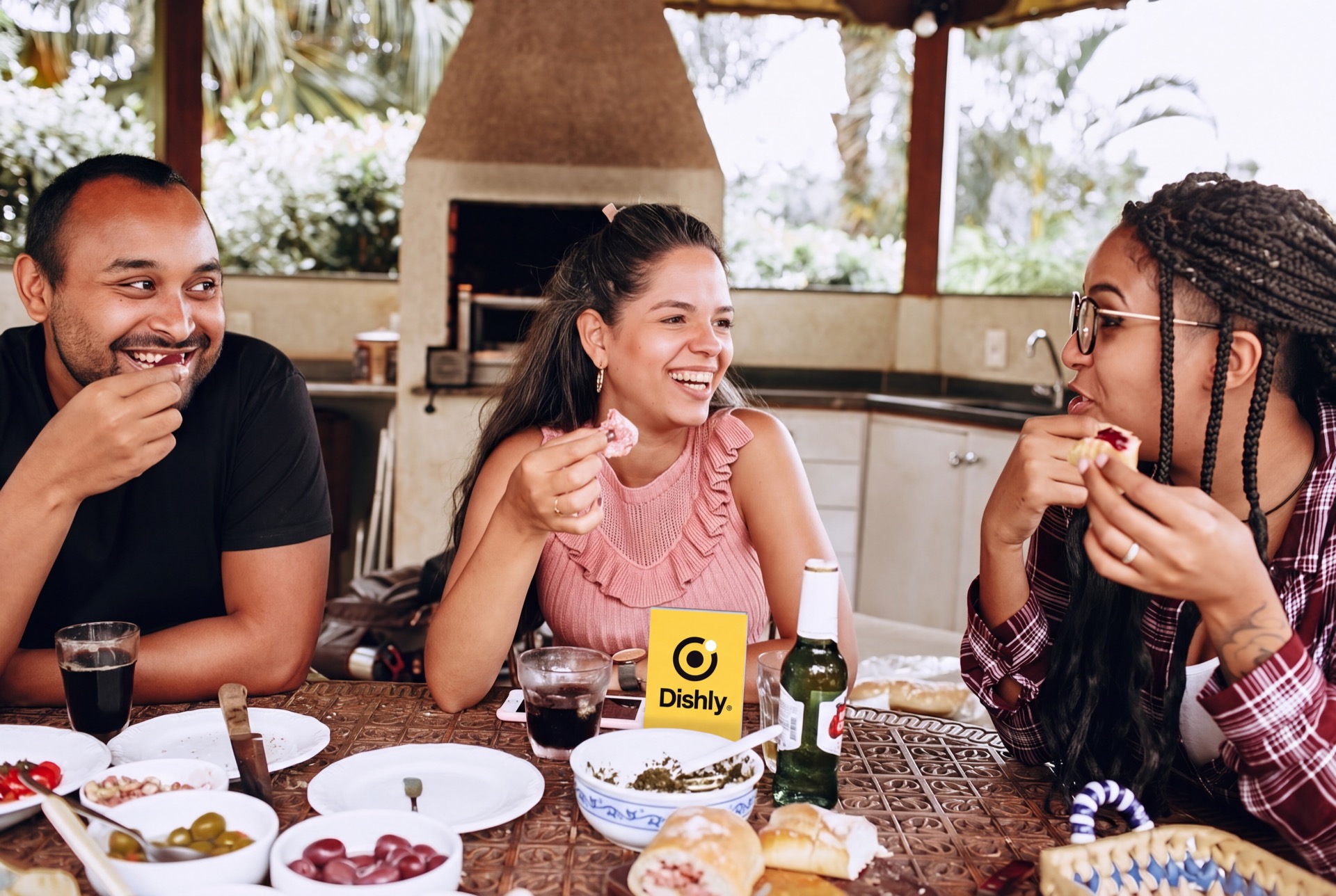
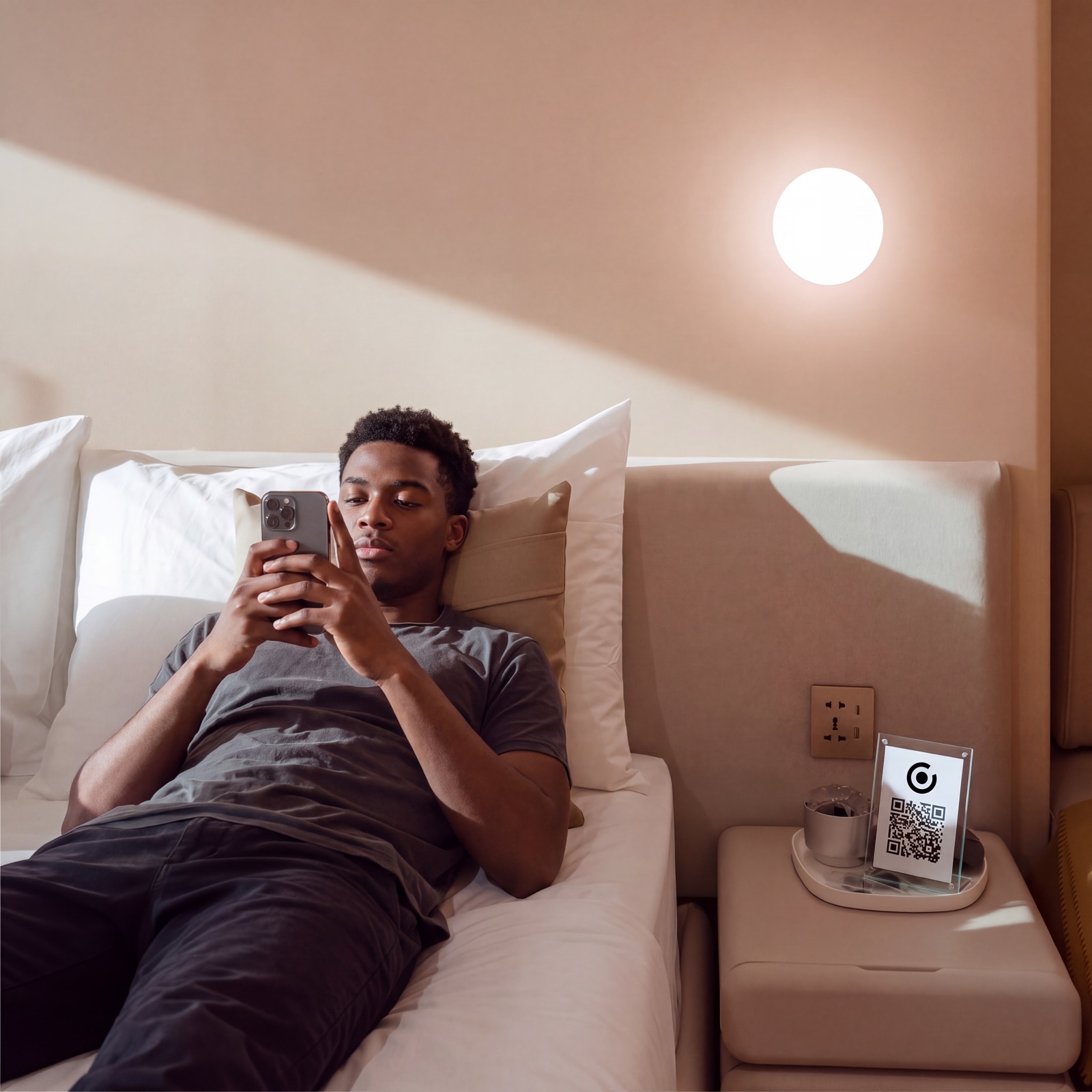
Guests scan the little code on their table, pick what they want, and it pops up on a screen in your kitchen. No app to download. Nothing gets lost.
Make your menuFree to set up. Free for your first 14 days of real orders.
Names, prices, photos. From your phone, in about ten minutes.
Press publish and your QR code is ready. Stick it on the table.
Guests scan and order. Your kitchen gets it with a ring.
Guests scan, look, and order.
They point their camera at the code on the table and your menu opens. Nothing to download, nothing to type in.

Every order on one screen.
A ring, the table number, and what they want. Your kitchen gets cooking.
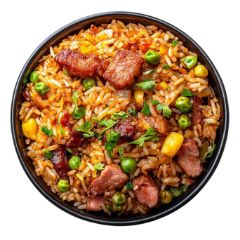 Jollof rice with chickenProtein: chicken× 1
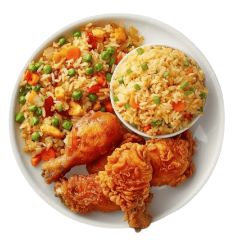 Fried rice with turkey× 1
No pepper please
Your waiters can take orders too.
Send them a link. It opens on their own phone, and their orders land on the same kitchen screen.
RINGING · 1 order ready — tap to handle
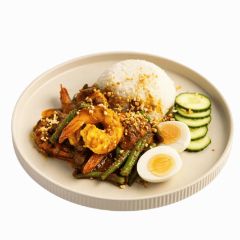 Table 9 · Coconut rice with prawns× 1
 Malt× 2
This is what everyone sees — your guest, your kitchen, your waiter.
Opens your menu, picks a few things, taps order.
Jollof rice with chickenSmoky party rice, grilled chicken, fried plantain.Fried rice with turkeyNigerian fried rice, peppered turkey, coleslaw.Coconut rice with prawnsCreamy coconut rice, fresh prawns, a little heat.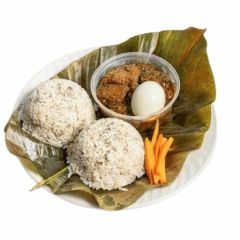 Ofada rice with ayamaseLocal ofada rice, green pepper sauce, assorted meat.
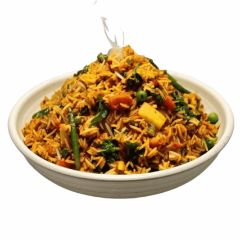 Native ricePalm-oil rice, dried fish, crayfish.
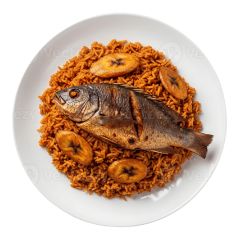 Jollof rice with grilled fishParty jollof, whole grilled croaker.
 White rice and stewPlain rice, tomato stew, your choice of protein.Jollof rice with chickenFried rice with turkey
Put a code wherever your guests sit. Each code knows where it is, so every order arrives with the table or room number on it.

Guests scan and order in their browser. Waiters use a link. Nothing to install.
Table or room number, every item, every note. Nothing lost between the table and the kitchen.
Price up, dish sold out, new photo — it shows on every table straight away.
Tables, hotel rooms, the pool bar. One menu, codes everywhere.
No card. Your first 14 days of real orders cost nothing.
Message a person inside the app, not a robot.

“Dishly was first known to me when I used it at Grosvenor. All I have to say is I have never felt ease of ordering like that before.”
Solo AkindeHospitality Analyst

“I love Dishly. It makes ordering my food feel like shopping on Shein.”
Ala TouréDishly user

“What I will say is the difference is clear. Busy Friday or no busy Friday, orders have become so easy for my staff to take, because they just read the notifications.”
Nnamdi JoSmokey Pot
Free for your first 14 days of real orders. No card, no setup fee.
For one place that’s ready to stop taking orders on paper.
₦55,000/month
For a busy place that wants to know what sells.
₦85,000/month
For hotels and places with more than one menu.
₦120,000/month
3D dishes are built with you after you sign up.
Start with Full MenuBilled monthly by card. Move up a plan any time — you only pay the difference for the rest of the month, and your billing date stays put.
Send one message. A real person puts your dishes, prices and photos in for you — then the menu is yours to change any time.
Hi Dishly, please set up my menu for me.
On it. Send your dish list and photos.
No. They point their phone camera at the code on the table and your menu opens. Nothing to download, no account to make.
About ten minutes. Type in your dishes, prices and photos, press publish, and your code is ready to print. You can take your first order today.
They pop up on the Kitchen Screen — any phone, tablet or TV you keep in the kitchen — with a ring and the table or room number. No running back and forth.
Yes, from your phone, any time. The change shows on your guests’ menus straight away.
Yes. Share a link and the Waiter’s Screen opens on their own phone — no app, no login. Their orders land on the same kitchen screen.
Nothing until your menu has taken real orders for 14 days. After that, plans start at ₦55,000 a month, paid by card. No setup fee, and you can stop whenever you like.
Yes. Building and publishing cost nothing and nobody asks for a card. Your free period starts with your first real order and runs for 14 days or 50 orders, whichever comes first. Then you pick a plan to keep taking orders.
Your guests can still open and read your menu, but ordering pauses until you pick a plan. Everything you built stays exactly as it is.
Make it, press publish, print the code. That’s it.
Make your menu Already have a menu? Log inDishly
Ask anything about Dishly.